Comment
Pin comments on any live page
Paste the site's address, or open it with the extension, and click the element that needs work.
More on visual feedback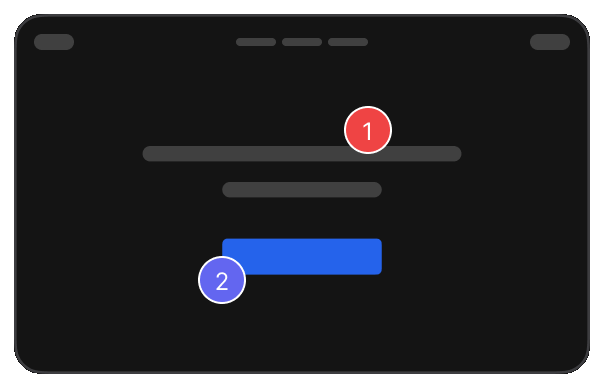
Click the spot on the page, say what needs to change, and sort it out with your team. No screenshots to crop, no email threads to dig through.
Works with live, staging, and local websites.
Screenshots in one thread, notes in another, and nobody sure which page they were about.
Each note stays on the spot it is about, with a screenshot, so the team always knows the page.
Paste the site's address, or open it with the extension, and click the element that needs work.
More on visual feedback
Mark it Normal, Medium or High, so launch blockers never sit in the same pile as polish.
More on visual feedback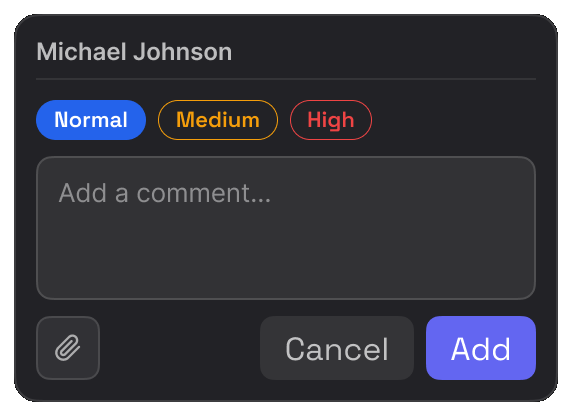
Invite teammates by email, or send the report link to anyone who needs to look.
More for agencies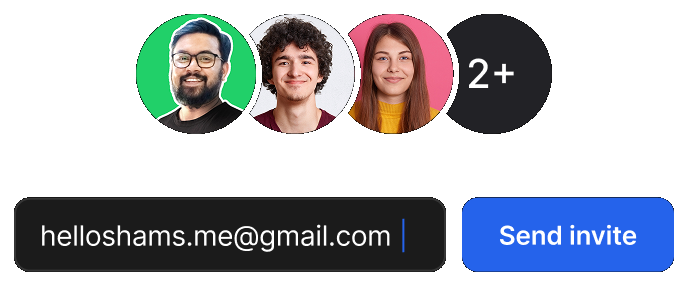
Guests open the link, reply and resolve in any browser. Nothing to install, nothing to sign up for.
More for agencies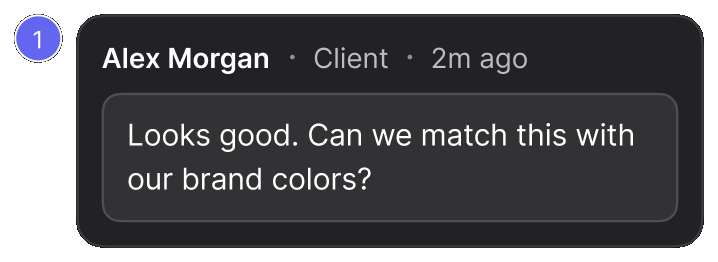
Move each item to in progress and assign it, so everyone knows what is theirs.
More on visual QA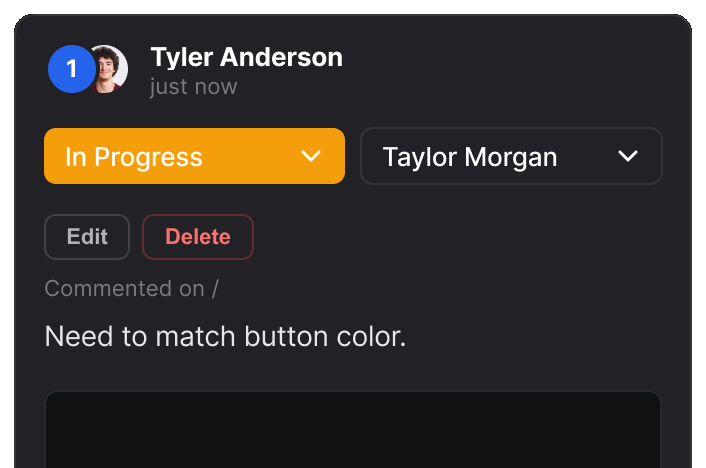
The same website review, read the way each person needs it.

Review the built website against the design and catch visual differences faster.

Get the exact element, page, and visual context needed to fix website issues.

Give clients one place to review websites, comment, and follow progress.

Find and document website issues with precise visual context.

Review website changes and gather everyone's feedback before launch.
Real reviews from the Chrome Web Store.
“Really useful extension for design QA! The overlay and compare tools make it super easy to spot differences between design and dev. Would love to see more features added great start!”

“Really useful extension for design QA! The overlay and compare tools make it super easy to spot differences between design and dev. Would love to see more features added great start!”
“EasyQA is a handy tool for comparing designs with the live site. The overlay feature works well and the commenting is a nice touch. Looking forward to seeing what’s coming next!”

“Good extension for QA work. Being able to drop comments right on the live page and share a link without the recipient needing to install anything is genuinely useful. Will keep using it.”

“wow, this is amazing - helping me to create quality work”

Yes. EasyQA lets you review live websites directly in the browser.
Yes. You can review websites in staging and local environments as well.
Yes. Share a review and let clients provide feedback without needing the browser extension.
Yes. Put your design beside the live page, or lay it over the top, and see exactly what changed.
Yes. Use visual feedback, inspection, responsive testing, and issue tracking to find and resolve website issues.