States
Freeze menus, modals and hovers
Pause the screen so a dropdown, tooltip or hover state stays open long enough to pin.
More on SaaS feedback
Review web apps in the browser and compare them with the design. Give your team clear feedback, without many screenshots and messages.
Works with live, staging, development, and local web apps.
Menus, modals and logged-in screens are hard to screenshot and harder to explain.
Open the app, sign in and pin notes on menus, modals and any screen behind a login.
Pause the screen so a dropdown, tooltip or hover state stays open long enough to pin.
More on SaaS feedback
Preview at desktop, tablet and mobile, side by side or at your own custom width.
More on SaaS feedback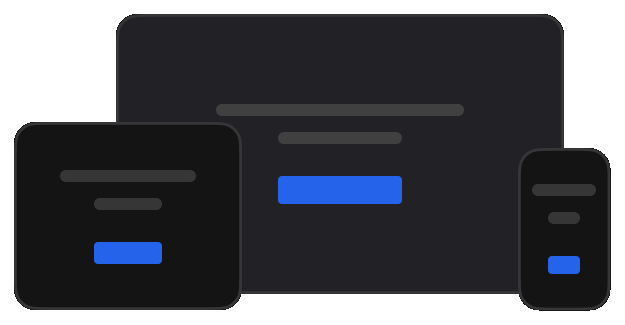
The extension runs in your own browser session, so staging, localhost and signed-in screens all work.
More on the browser plugin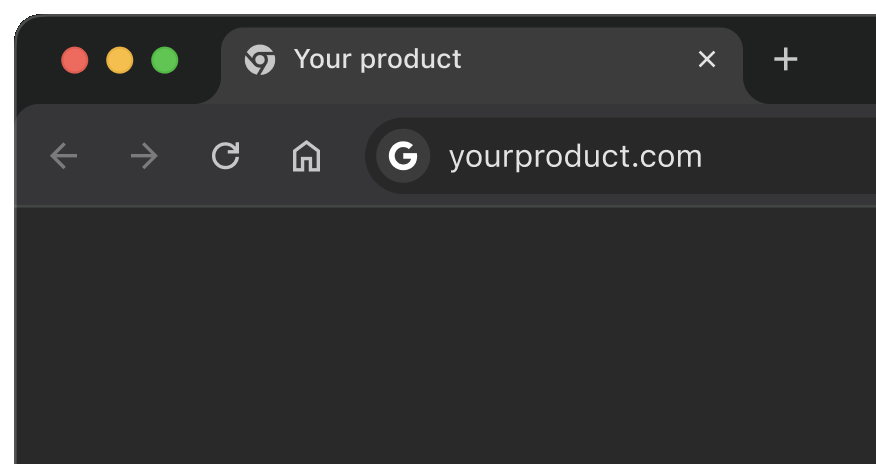
Click the button, field or row that is wrong and write what needs to change, with a priority.
More on the browser plugin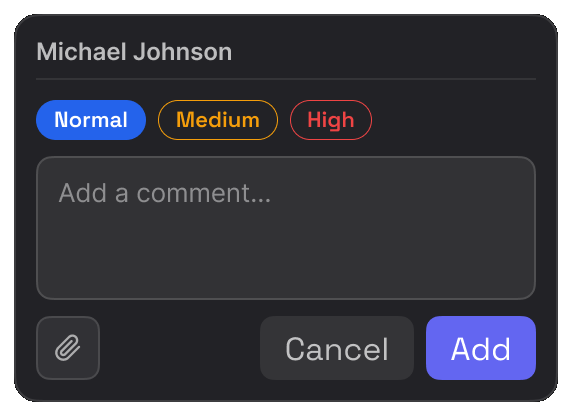
Font, size, weight and line height come straight from the element, not from a guess at a screenshot.
More for developers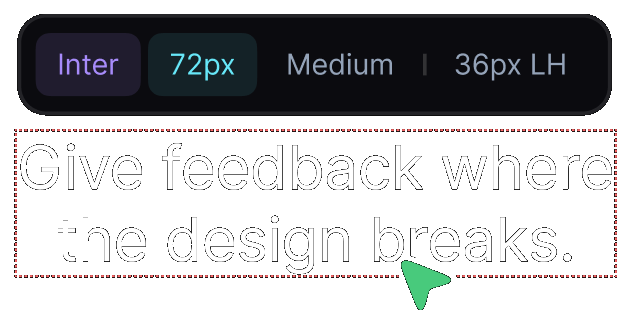
The same web app review, read the way each person needs it.

Check whether the implemented interface matches the intended design.

Get precise visual context instead of vague screenshots.

Review client web apps and keep feedback organized.

Find and document visual issues across web application interfaces.

Review new features and product changes before release.
Real reviews from the Chrome Web Store.
“Really useful extension for design QA! The overlay and compare tools make it super easy to spot differences between design and dev. Would love to see more features added great start!”

“Really useful extension for design QA! The overlay and compare tools make it super easy to spot differences between design and dev. Would love to see more features added great start!”
“EasyQA is a handy tool for comparing designs with the live site. The overlay feature works well and the commenting is a nice touch. Looking forward to seeing what’s coming next!”

“Good extension for QA work. Being able to drop comments right on the live page and share a link without the recipient needing to install anything is genuinely useful. Will keep using it.”

“wow, this is amazing - helping me to create quality work”

Yes. Open the running web app in your browser and review the real interface.
Yes. Staging, development and localhost all work, because the review runs in your own browser session.
Yes. Overlay the design on the built interface or view them side by side at the same width.
Every comment carries the page, the element and the visual context, so there is nothing to reconstruct.
Yes. Inspect spacing, typography, colour and contrast, check responsive states, and track each finding to resolved.
Yes. Share a link and they comment in their own browser, with no extension and no account.
Use the browser extension for those. It runs in your own signed-in session. It can review any product that you can open, including SSO logins, staging and localhost. A shared report link works for public sites and for normal email and password logins. It cannot do an SSO sign-in for the viewer.