Pin comments directly on any web page, capture full-page screenshots, and share a live report link with your team — no account needed.
No credit card · No account required · Works on any website
Built for designers, developers, and QA teams who need fast, clear feedback.
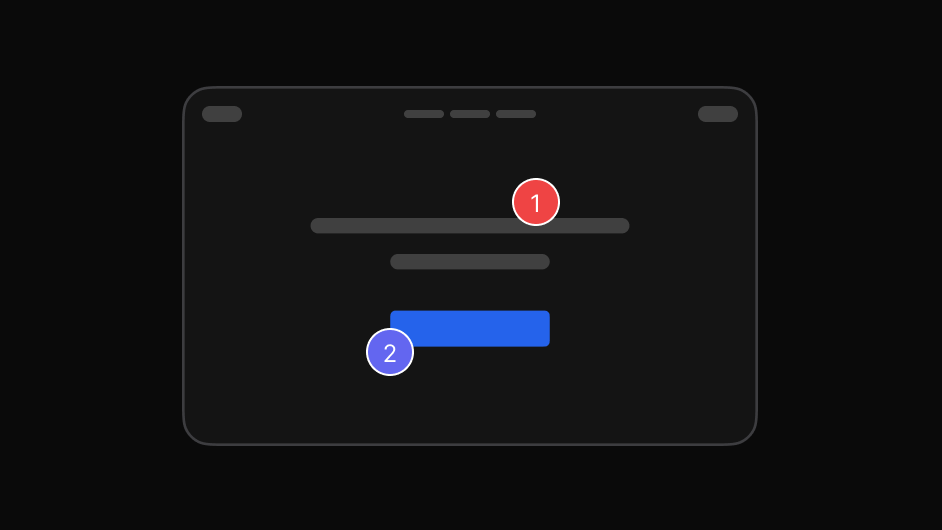
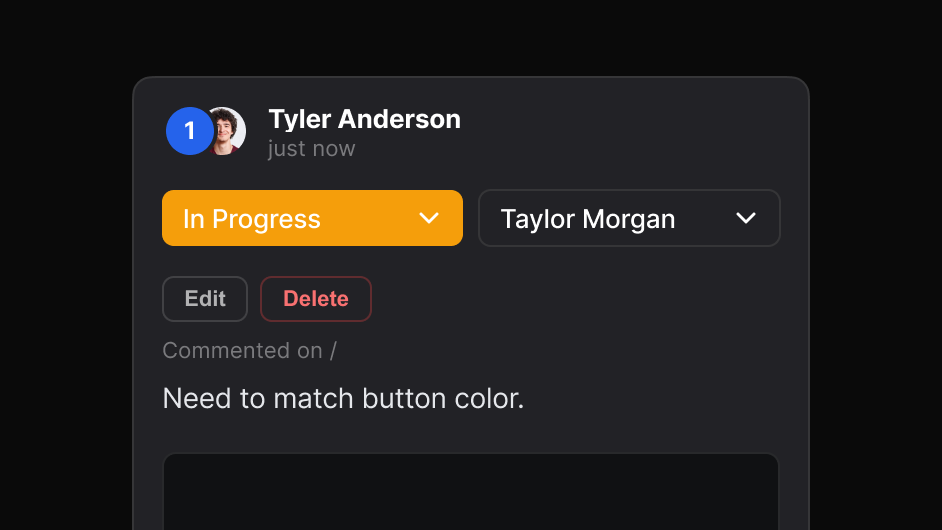
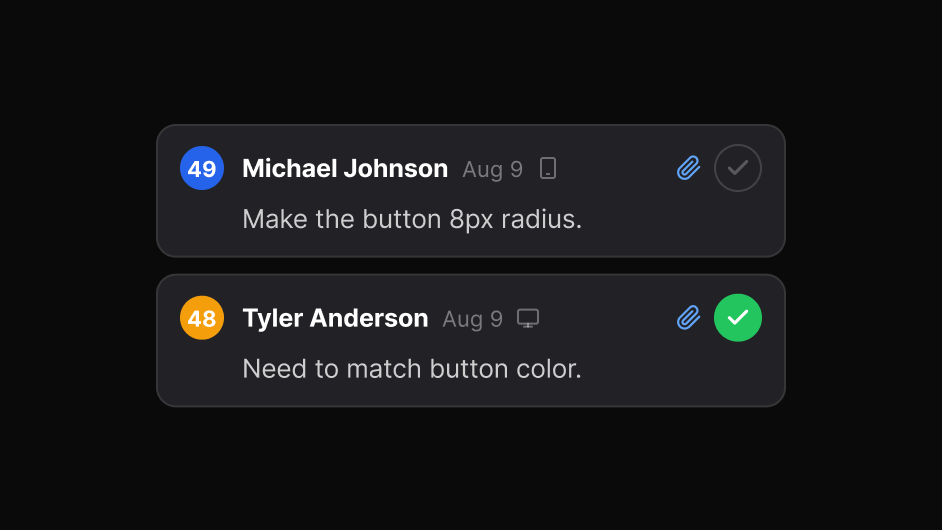
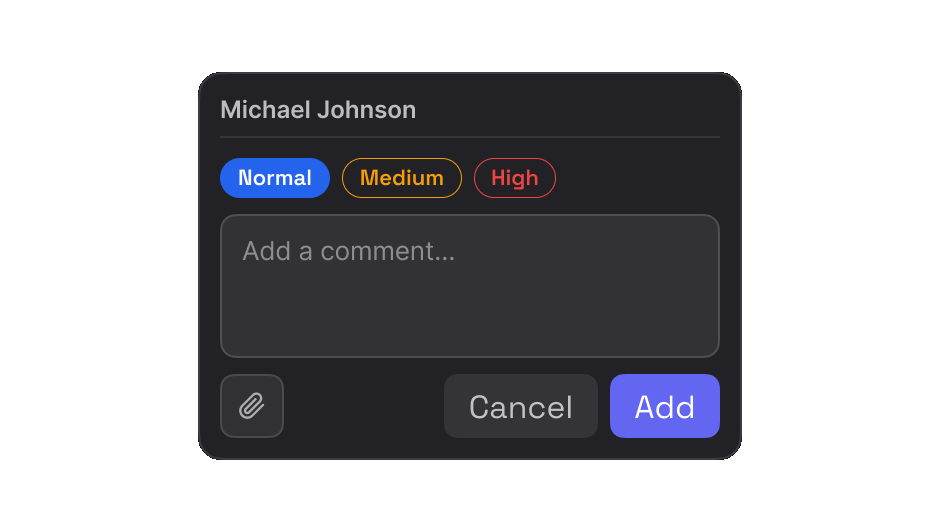
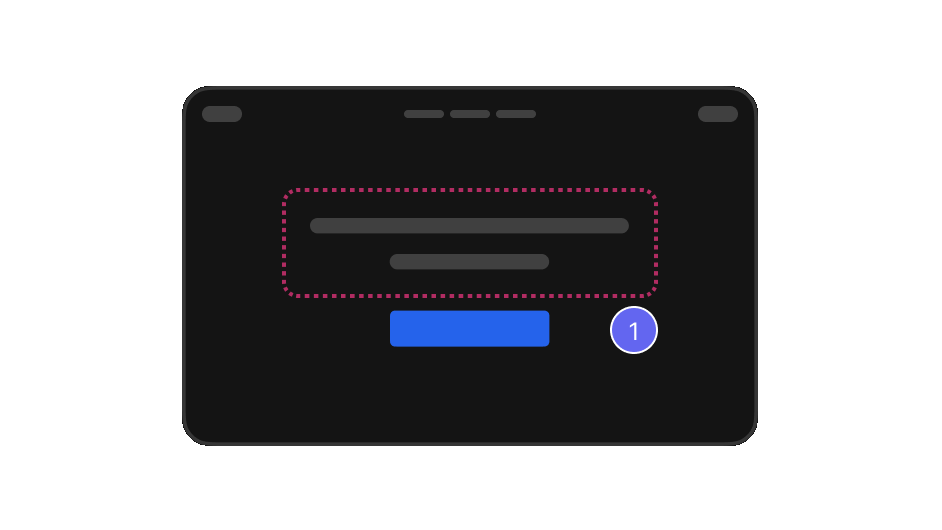
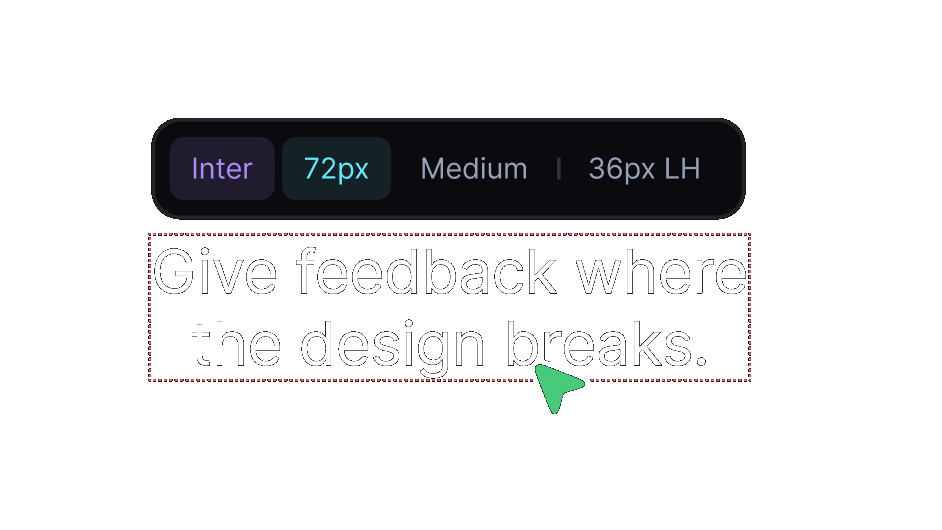
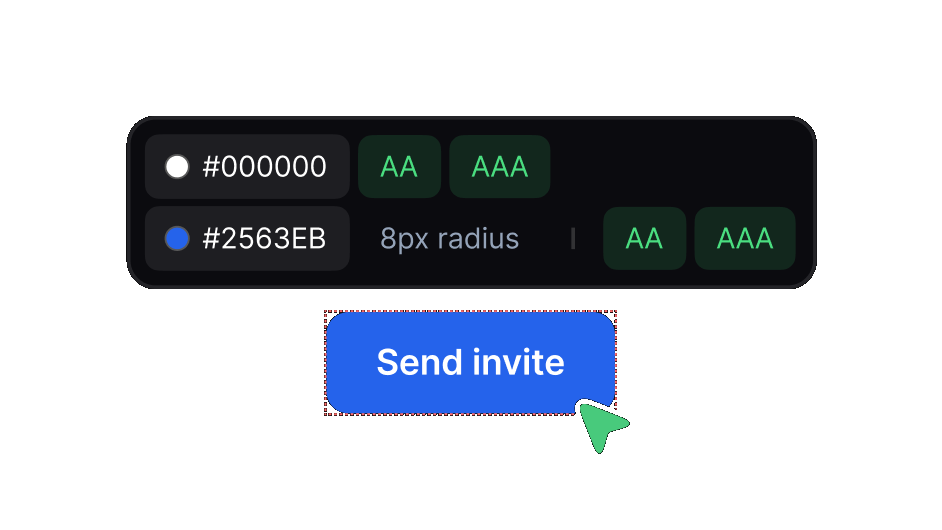
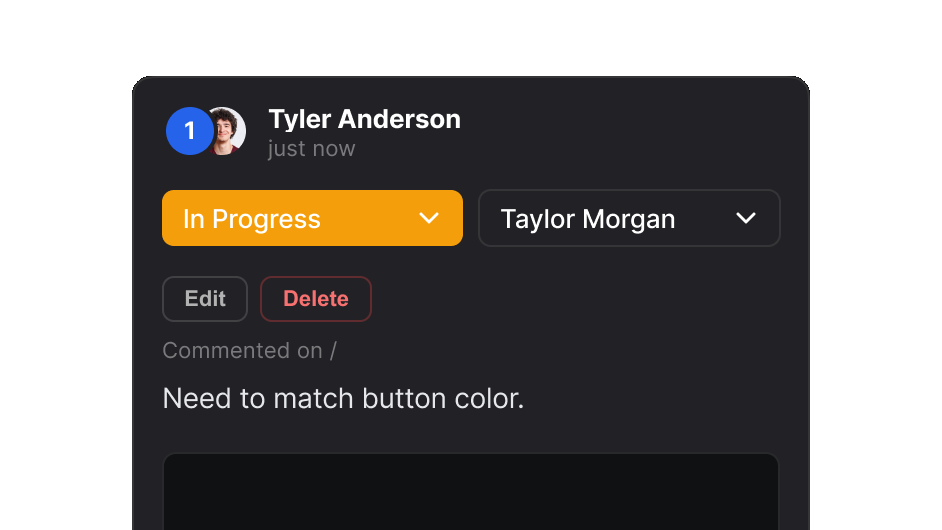
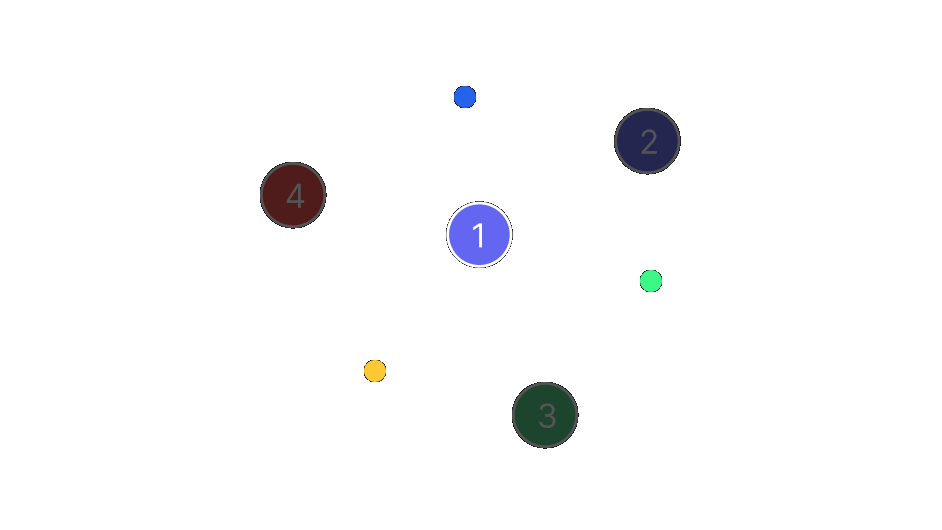
Click anywhere on a page to drop a numbered pin and attach a comment. Area comments, point comments — fully flexible.
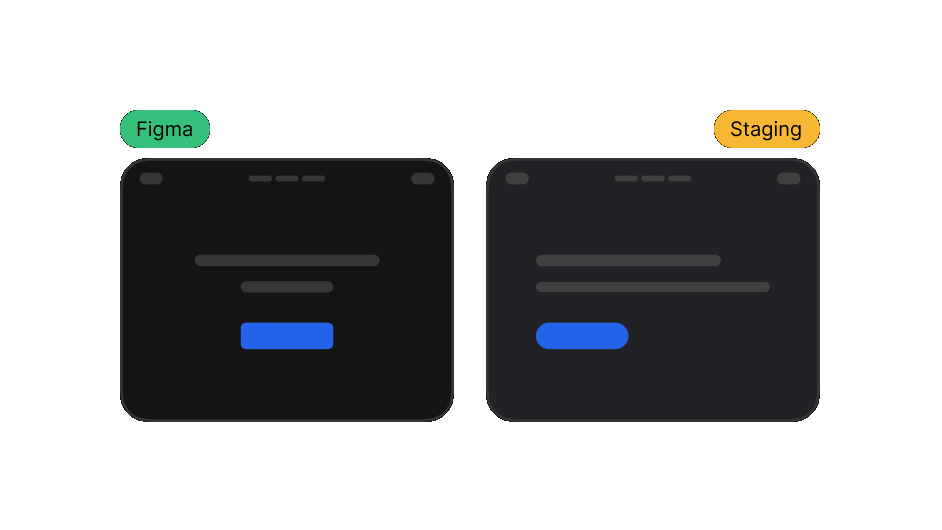
Capture the entire page — not just the viewport. Your screenshot includes every pin, perfectly positioned.
One click generates a live share link. Anyone can open it — no account, no login. Sign in with Google for permanent links.
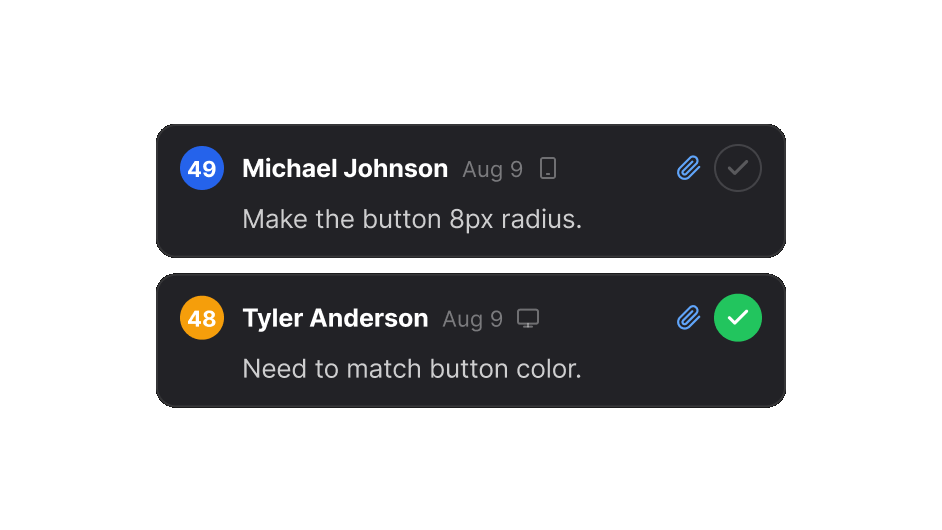
Mark comments as solved on the shared report. The status syncs for everyone viewing the link in real time.
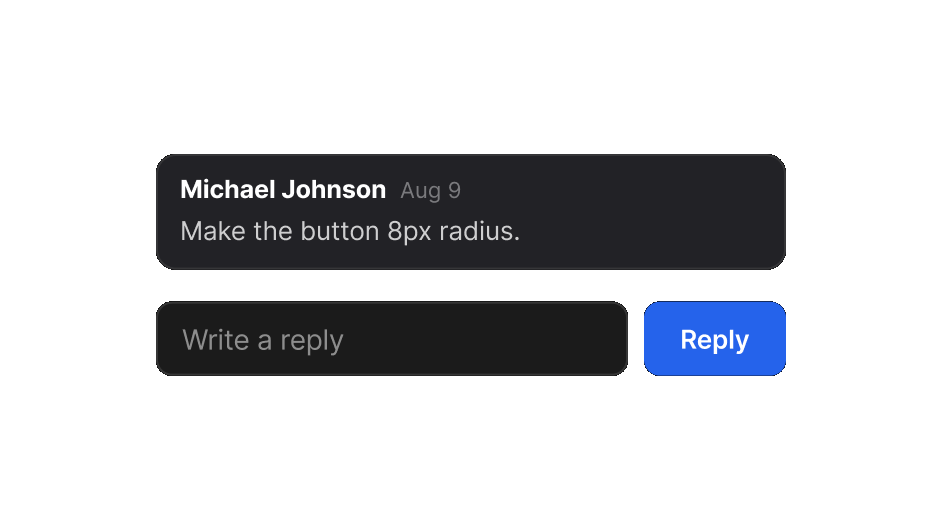
Teammates can leave replies directly on the shared report — no extension needed on their end.
Sign in once and all your reports are saved to your own Google Drive — organized, permanent, and always accessible.
No setup, no project management tools, no friction.
Add EasyQA to Chrome from the Web Store. It's free — no account required to get started.
Navigate to any URL you want to review. Click the EasyQA icon in your toolbar to activate.
Click anywhere on the page to drop a pin. Type your comment, drag to resize areas, repeat.
Hit "Share" to generate a link. Anyone with the link can view all comments and mark them as solved.
Free. No account needed. Works on any website.
Add EasyQA to Chrome — Free →