Anywhere
Live, staging and localhost
The extension runs in your own browser session, including sites behind a login.
More on website QA
Inspect, compare, measure, and give feedback on live, staging, and local products without leaving your browser.
Free on every plan. The people you share reports with need nothing at all.
Capture, crop, paste and explain, for every single issue.
The extension runs in your own browser session, including sites behind a login.
More on website QA
Open EasyQA from the toolbar and click the element that needs work. Nothing to set up first.
More on website QA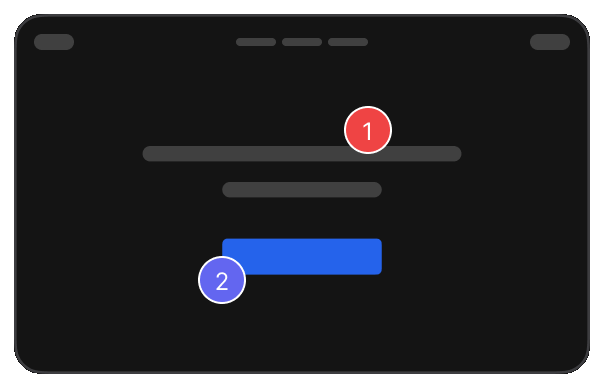
Put the design beside the live page at the same width, or over it, and see exactly what drifted.
More on design review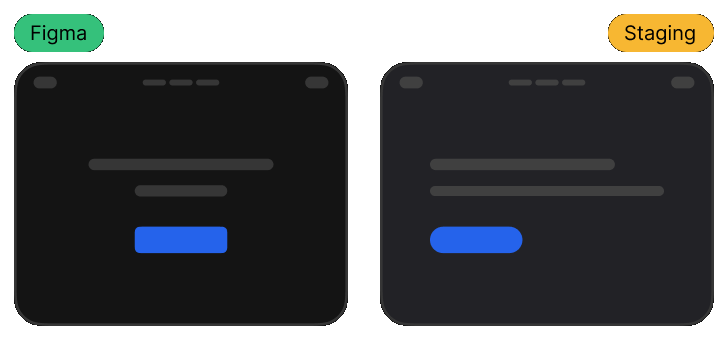
Hover over an element to read its padding and gaps. Your note can say 24px, not "a bit tight".
More on design review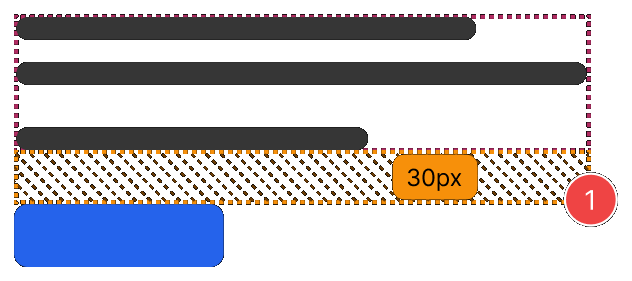
Invite teammates by email, or send the report link to anyone who needs to look.
More for agencies
It runs in your own browser session, so it works on live sites, staging, localhost and anything behind a login.
 Chrome
 Edge
Edge Brave
Brave Opera
Opera Arc
ArcReal reviews from the Chrome Web Store.
“Really useful extension for design QA! The overlay and compare tools make it super easy to spot differences between design and dev. Would love to see more features added great start!”

“Really useful extension for design QA! The overlay and compare tools make it super easy to spot differences between design and dev. Would love to see more features added great start!”
“EasyQA is a handy tool for comparing designs with the live site. The overlay feature works well and the commenting is a nice touch. Looking forward to seeing what’s coming next!”

“Good extension for QA work. Being able to drop comments right on the live page and share a link without the recipient needing to install anything is genuinely useful. Will keep using it.”

“wow, this is amazing - helping me to create quality work”

Chrome and Chromium browsers, including Edge, Brave and Arc.
No. A report link opens in any modern browser, and they can reply and resolve without an account.
Yes. It runs in your own browser session, so anything you can open, you can review.
No. The plugin captures feedback; the dashboard organises it, tracks it, and keeps every report searchable.
Nothing. The plugin is free on every plan; Pro only removes the saved-report limit.