Build better products, faster.

EasyQA is a visual feedback tool for websites, SaaS products, photos and PDFs. Give feedback where the design breaks.

Pin feedback on the exact element, check it against the design, and fix it with your team.

Made for design teams and agencies, and everyone who reviews with them.

Works with every major browser. Google ChromeSafariMozilla FirefoxOperaBraveArcMicrosoft Edge
I can see all the feedbacks in one place and client can give approval very fast.

Get client approval on your digital products

5x faster

Trusted by teams at

  • Musemind
  • Whiteframe
  • Usarion
  • Level
  • WaxyWeb
  • Shifl
  • Frogotiv
  • Wavespace
60% fewer follow-up questions per issue
2x faster client sign-off on a page
“EasyQA is a handy tool for comparing designs with the live site. The overlay feature works well and the commenting is a nice touch.”
Md. Ibrahim Khalil UllahSenior Project Manager
How it works

Capture, collaborate, resolve.

The whole loop, from spotting an issue to getting it resolved.

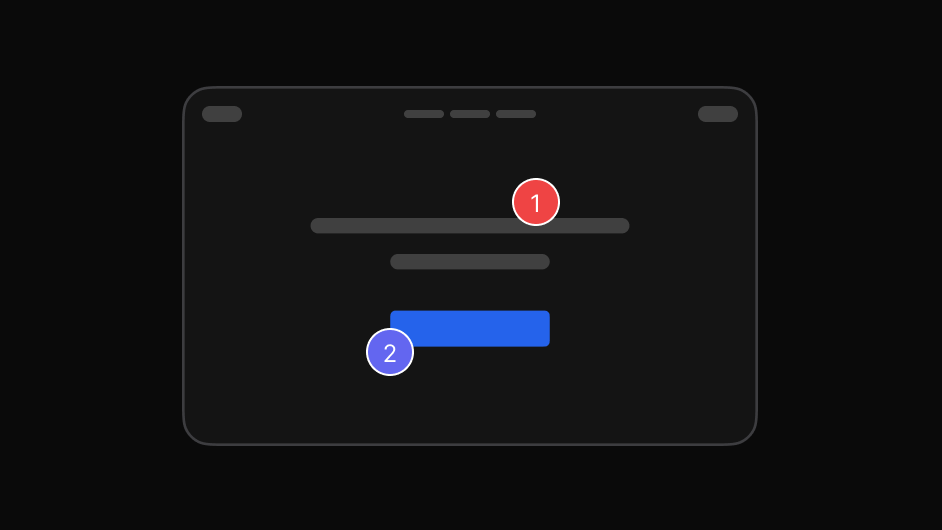
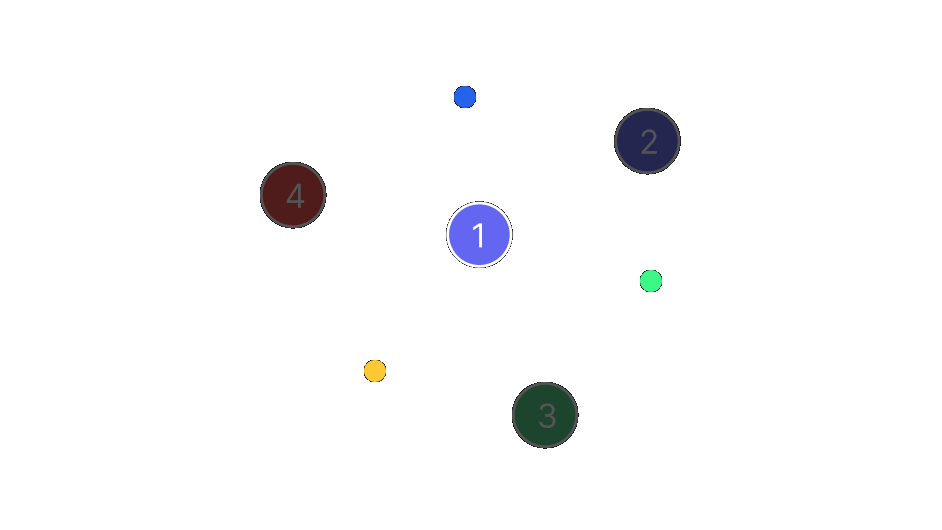
  1. A browser opened on the product being reviewed

    Create a project

    Paste the address of any live or staging site, or upload photos and PDFs. Nothing to deploy first.

  2. Numbered pins on elements of a page

    Pin the issue

    Click the exact element where you found the problem and leave a comment on it.

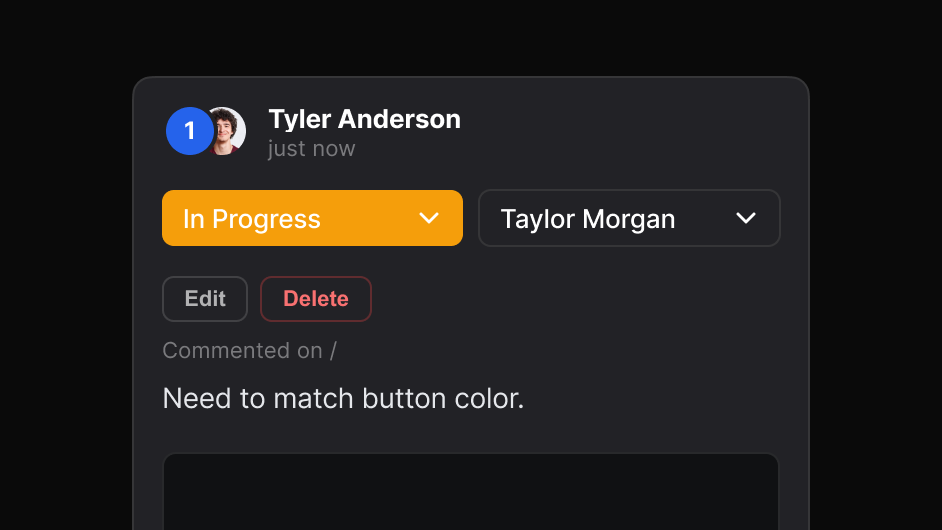
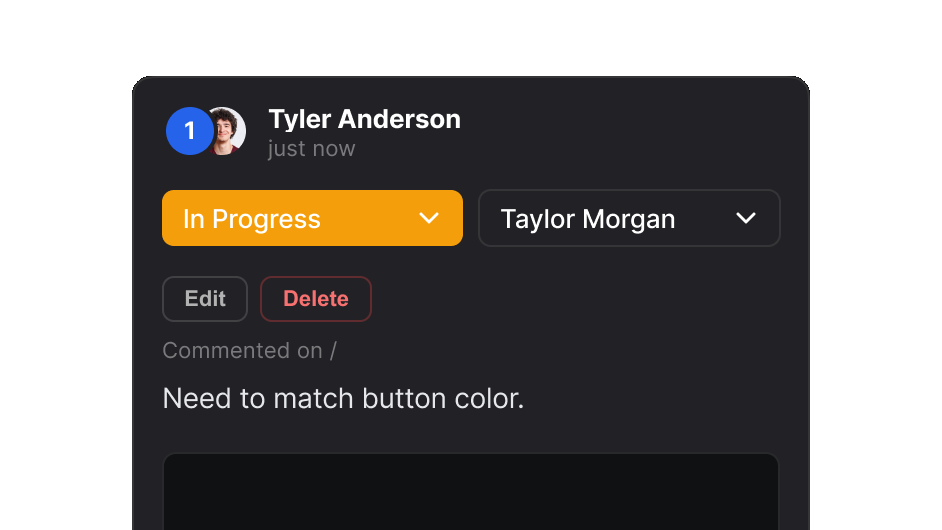
  3. A comment set to In Progress and assigned to a teammate

    Assign it to your team

    Set the priority and put each comment in front of whoever fixes it.

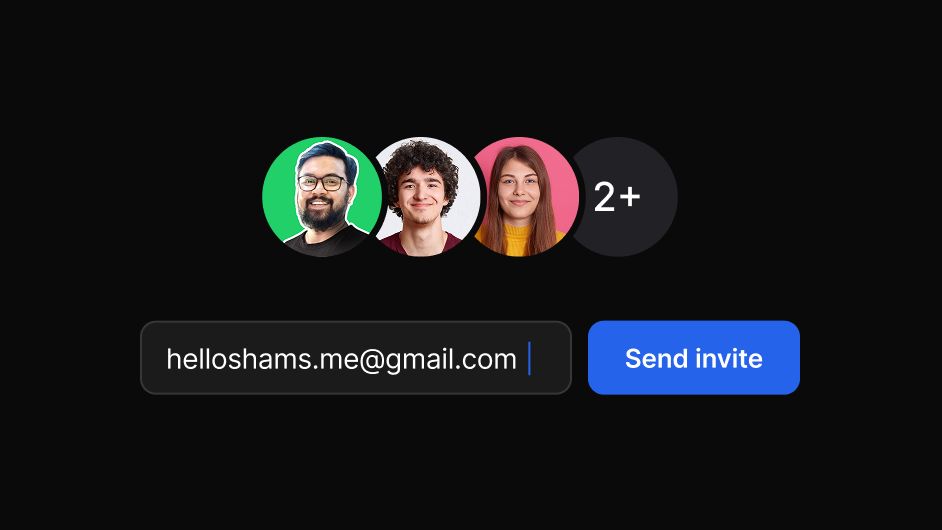
  4. Team avatars and an invite field

    Share the report

    Send one link to your team and clients. They reply in the browser, with no account.

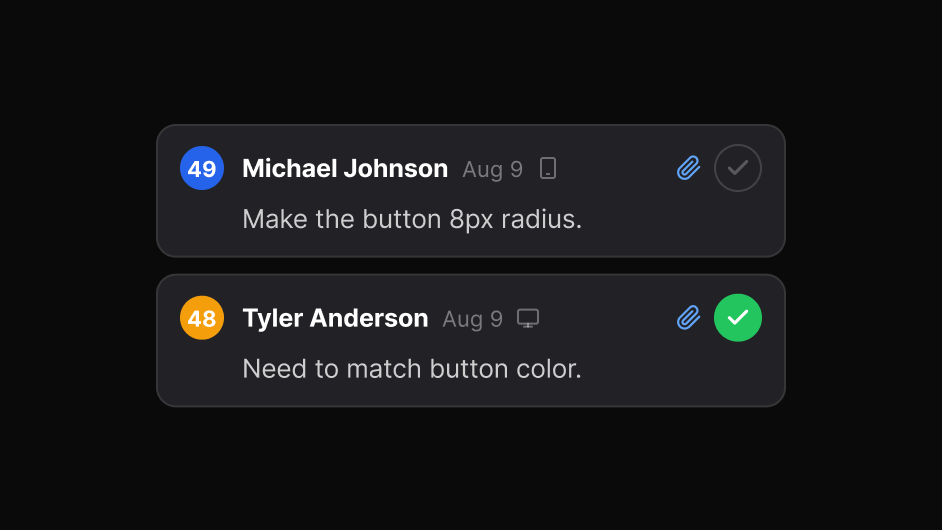
  5. Mark it resolved

    Mark it resolved

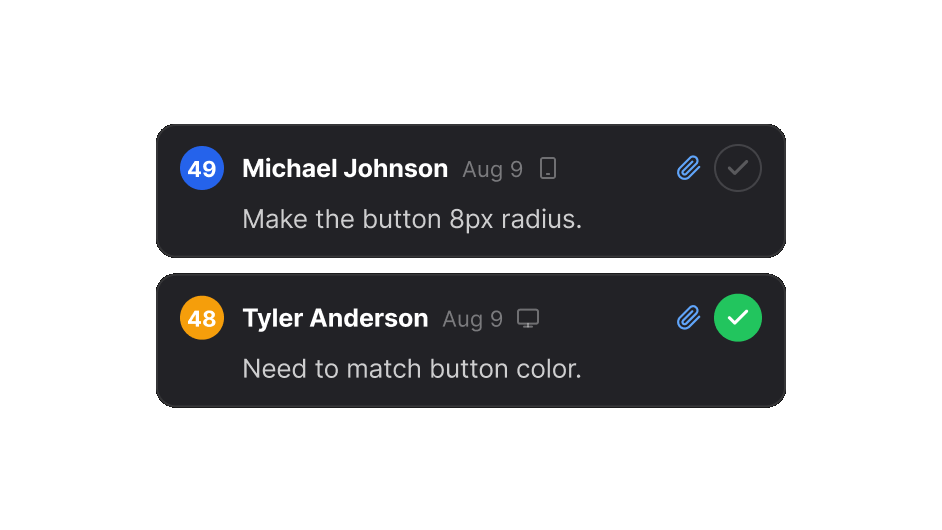
    Close each item when the fix is in, with the whole history kept alongside.

“The ruler is the part I use most. I hover any element and see its padding and the gap to the next one, so my notes say 24px instead of ‘feels a bit off’. Our developers fix it the first time.”
- Stephen, Founder at Level
Benefits

From comment to resolved.

Capture

Pin feedback on the exact element

Click any element on a live, staging or local site and write what needs attention. Set the priority as you go.

Mark a single element, or draw around a region when the issue is the whole block.

Teammates and clients answer in the same thread, in the browser, with no account and nothing to install.

More on website feedback
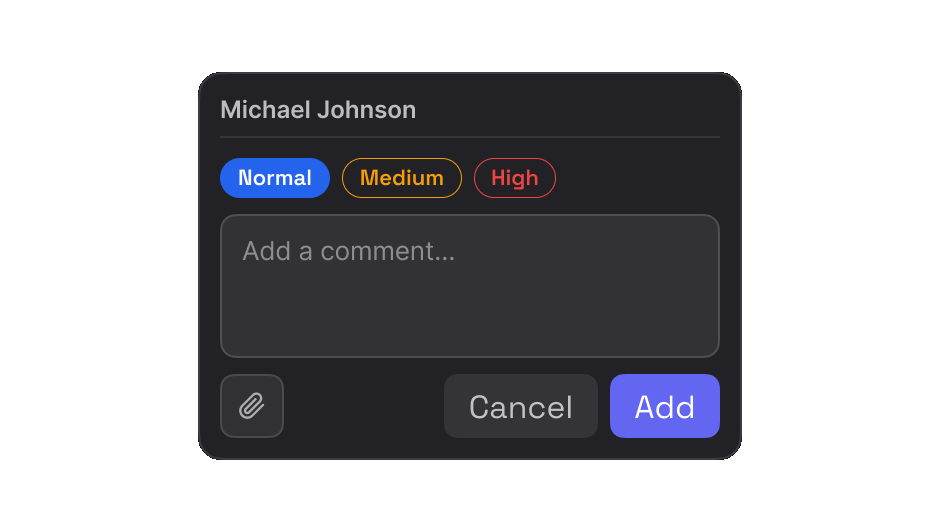
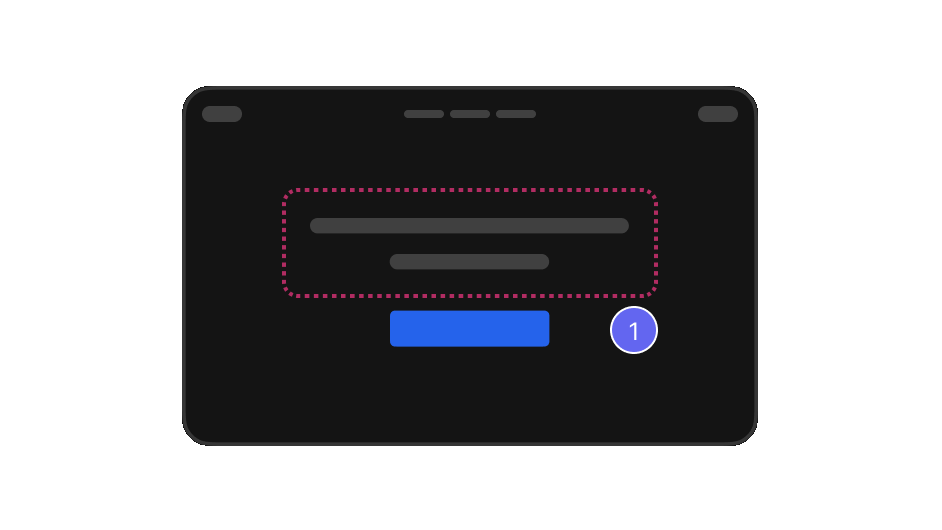
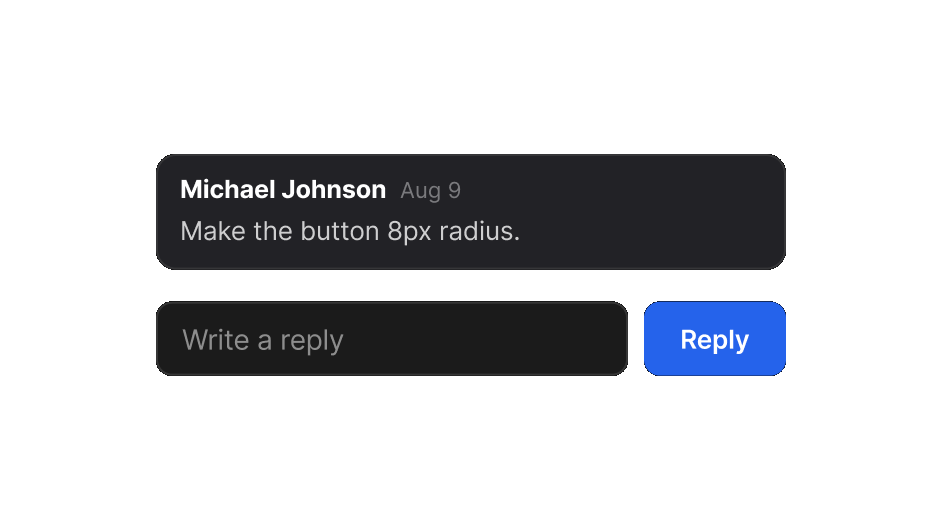
The EasyQA comment box, with Normal, Medium and High priority A numbered pin on a highlighted region of a page A comment with a reply field underneath
Design review

Check the build against the design

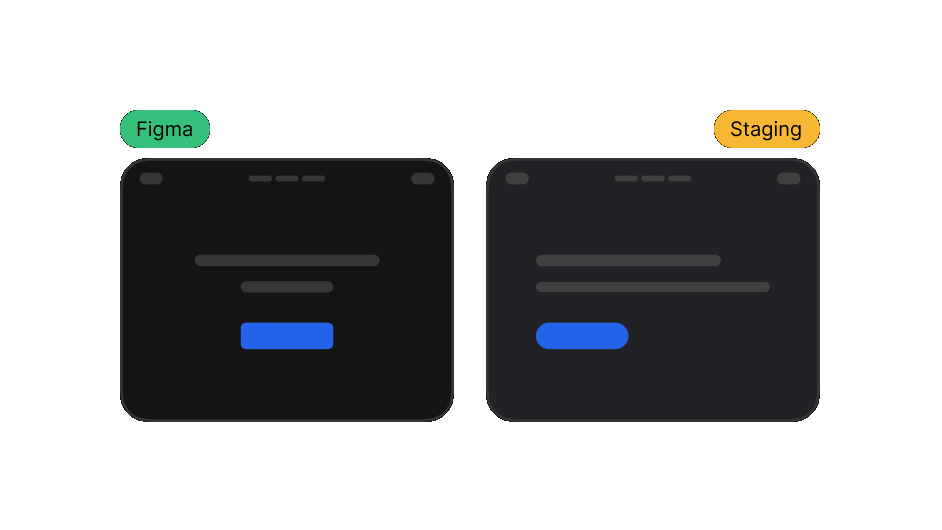
Put the design next to the live page at the same width, or overlay it, and see exactly what drifted.

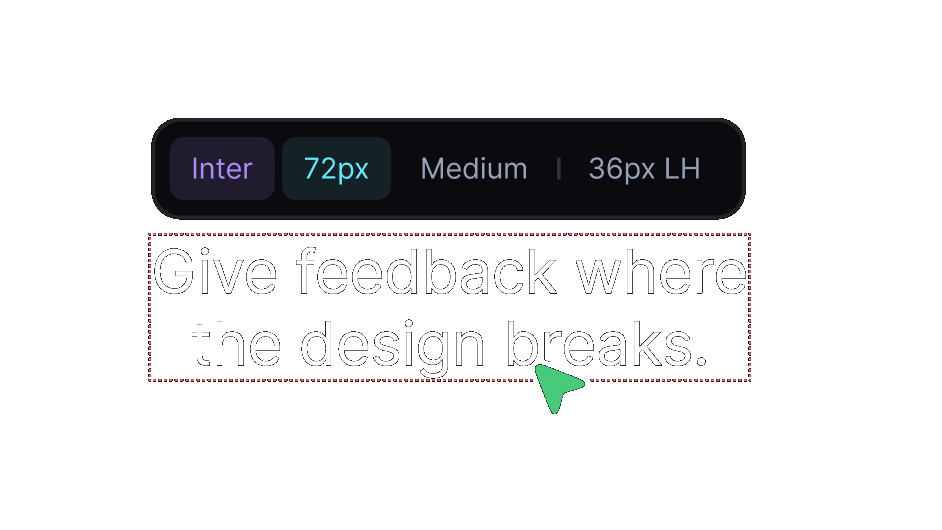
Read the font, size, weight and line height straight from the element instead of guessing from a screenshot.

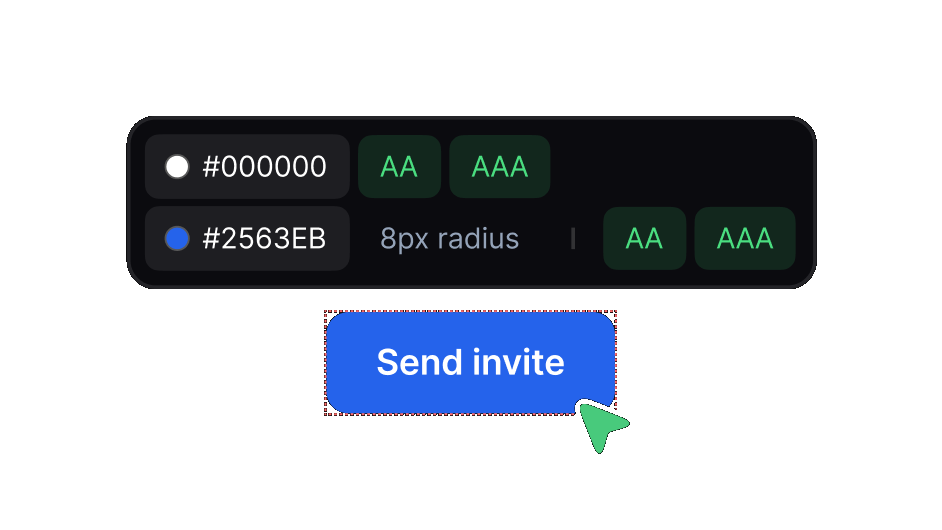
See each colour with its AA and AAA contrast result, right on the button or text you are reviewing.

More on design review
The Figma design beside the staging build A heading inspected for font, size, weight and line height Colour values with their AA and AAA contrast results
Resolve

Take every issue through to done

Move items to in progress and put each one in front of whoever fixes it.

Close an item when you finish the work. The report then shows only the open items.

Every pin and reply stays in the report. Nobody discusses the same issue twice.

More on visual QA
A comment set to In Progress and assigned to a teammate Two comments in a report, one marked resolved Numbered pins across a page, open and resolved
Free on every plan

Everything a review needs,
in one tool.

Comment on sites, photos and PDFs, compare with the design, measure, inspect, audit and resolve. Bring your team and clients into the same report, and keep every review in one dashboard.

Pin comments

Click any element on the live page and write what needs attention. A numbered pin marks the exact spot.

Auto screenshots

Every comment captures its own screenshot, with a marker on the spot. Nothing to take by hand.

Freeze hover

Pause the page to review menus, tooltips and hover states before they disappear.

Compare and overlay

Put the design beside the live page, or over it, and see exactly what drifted.

Inspect and measure

Read fonts, colours and contrast, and measure padding and gaps, right on the element.

Page audit with a score

One click finds links that go nowhere, spelling mistakes and stray fonts, and scores the page out of 100. PDFs get a spelling and font audit too.

Device preview

Check the page at desktop, tablet and mobile sizes, or side by side in split view.

Photo and PDF reviews

Upload one photo or PDF, or many. Each file opens as a tab, with pins and replies. A PDF keeps its real text, so you can measure, select and check it.

Voice comments

Say it instead of typing it. Record up to five minutes on any comment or reply, with a transcript you can correct before posting.

Share with one link

Send one report link to teammates and clients. They review and reply with no account and nothing to install.

Real-time replies

New comments, replies and status changes appear for everyone viewing the report, as they happen.

Status and assign

Set a priority, assign a teammate and track each item. Mark it resolved when the fix is in.

Who it's for

One workflow. Different teams.

The same review, read the way each person needs it.

Integrations

Feedback that goes
where your team works.

New comments post to your Slack channel or become tasks in ClickUp. Move a ClickUp task and the report updates too, so nobody tracks the same issue twice.

Anything else connects through a signed webhook, including Zapier, Make and n8n. Integrations come with the Team plan.

Chrome extension

Even faster with
our Chrome plugin.

Comment on any page you open, live or staging.

  • Chrome
  • Edge
  • Brave
  • Opera
  • Arc
Anywhere

Review together,
wherever you work.

Designers, developers and clients open the same report from anywhere. Replies arrive in real time, and nobody needs an account to join in.

Reviews

Loved by teams
around the world.

Real reviews from the Chrome Web Store.

“Really useful extension for design QA! The overlay and compare tools make it super easy to spot differences between design and dev. Would love to see more features added great start!”
Rakibul H. Rocky
Senior Designer
Rakibul H. Rocky
FAQ

Questions

Do the people I share with need an account?

No. A share link opens in any browser, and guests can reply and resolve without signing in or installing anything.

Can I review photos and PDFs, not only websites?

Yes. Choose Photos or PDF when you create a project and upload one file or several. Each file opens as its own tab with the same pins, replies, statuses and sharing. In a PDF, the text stays real. You can measure it, read its font and colour, and select words to suggest a change.

What does the page audit check?

Links and buttons that go nowhere, spelling mistakes, and how many fonts the page uses. It gives the page a score out of 100. You see quickly how much work remains. On a PDF it checks spelling and fonts.

Do they need the extension?

Not for a Project. Paste a URL, and EasyQA makes a copy of the page that people can comment on. Anyone with the link can comment immediately. The extension is for reviewing sites you open yourself.

Does it work on staging and password-protected sites?

The extension works on any page that you can open in your browser. This includes local and staging sites, because it runs in your own session.

Where are my reports stored?

In your own Google Drive. You keep them if you ever stop using EasyQA.

What does the free plan include?

Every review tool, three saved reports, and up to 10 comments per report. Pro removes both limits: unlimited reports and unlimited comments.